MOS system - new rules for submitting applications for a residence permit in Poland
MOS system - new rules for submitting applications for a residence permit in Poland
MOS system - new rules for submitting applications for a residence permit in Poland.
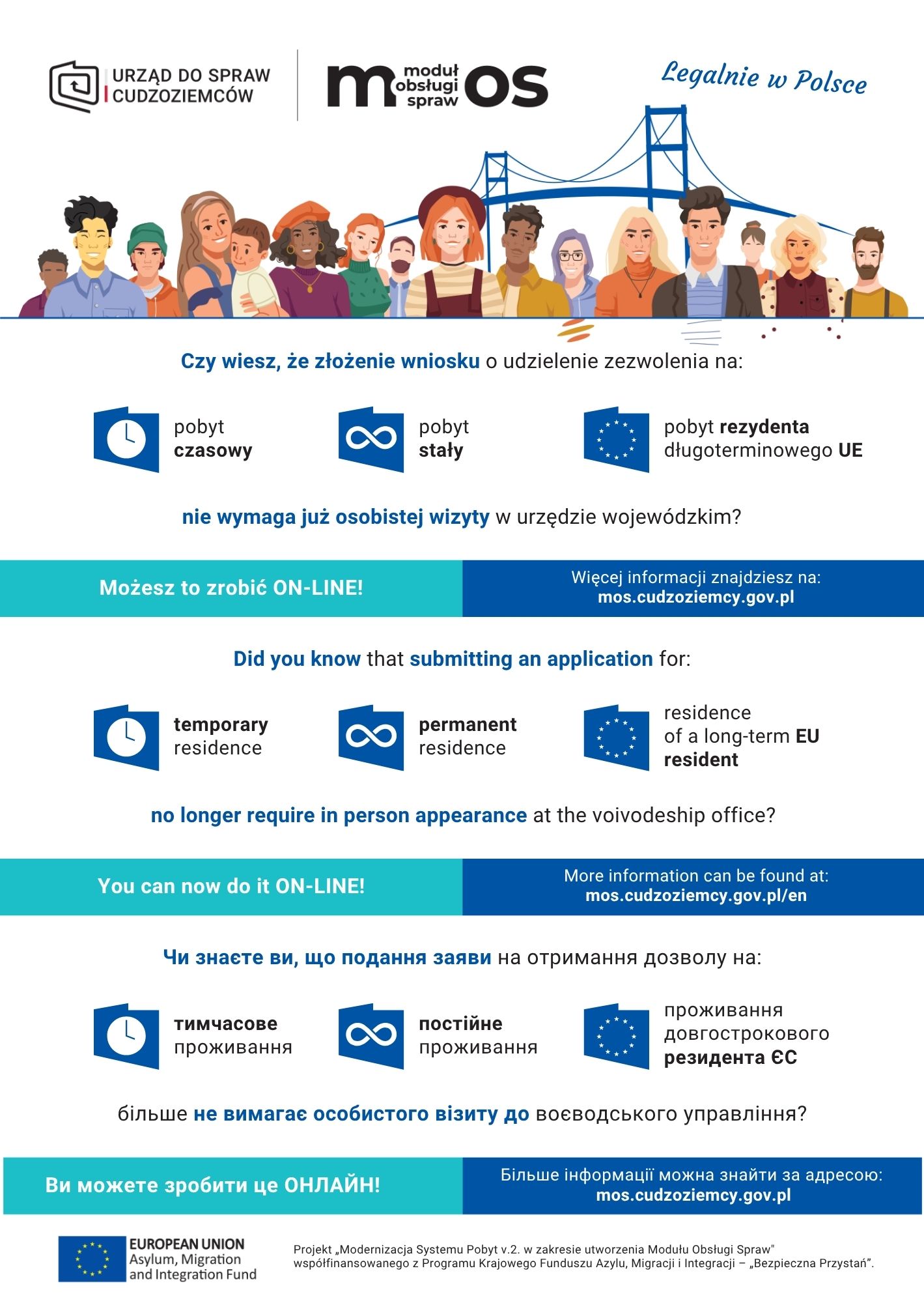
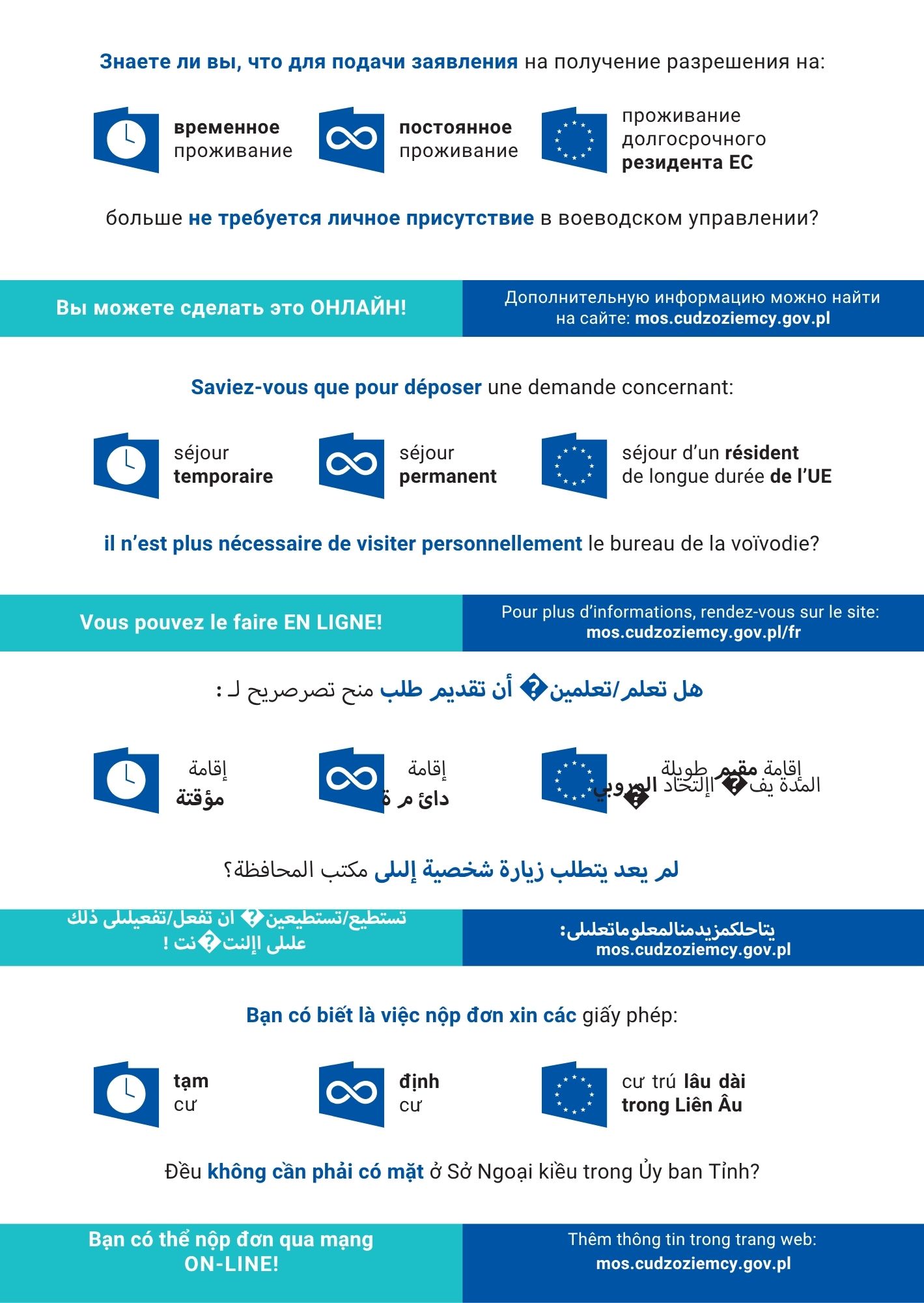
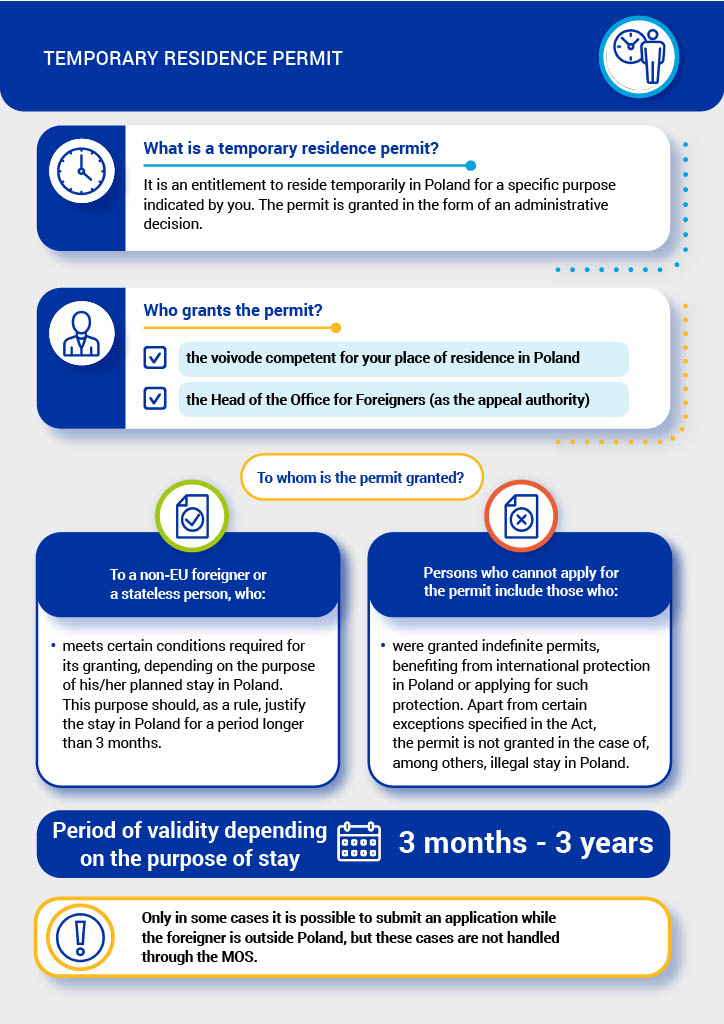
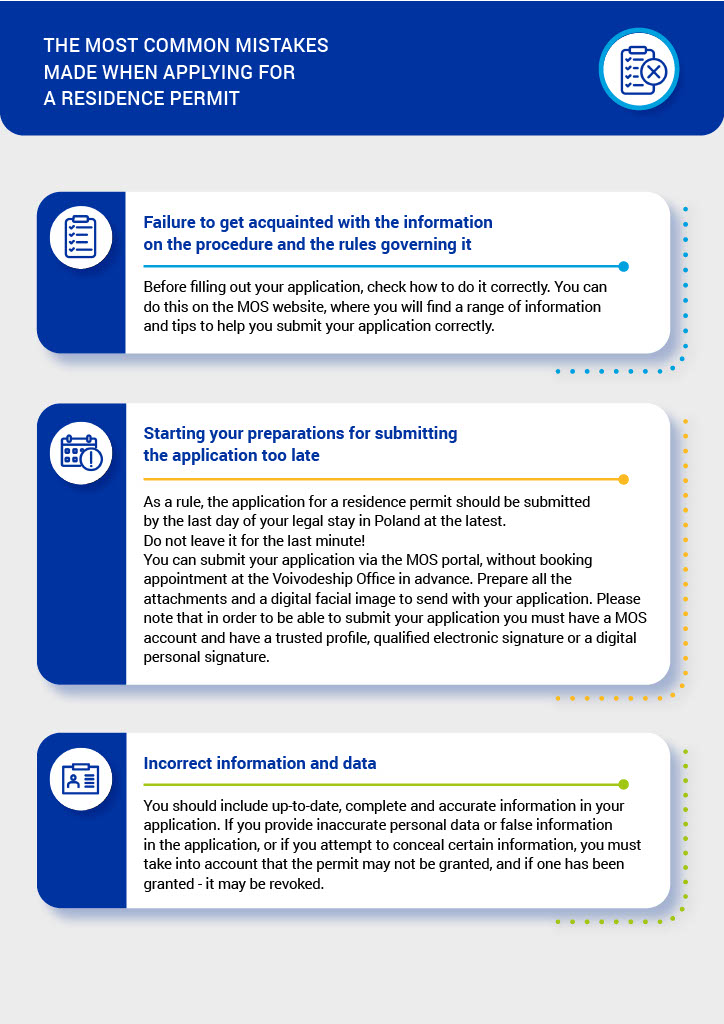
From 27 April 2026, submitting applications for a temporary residence permit for study purposes will only be possible electronically via MOS (Moduł Obsługi Spraw) portal. Students who are planning to apply for a temporary residence permit, shouldn't wait until the last day of their legal stay to apply !
What's changed:
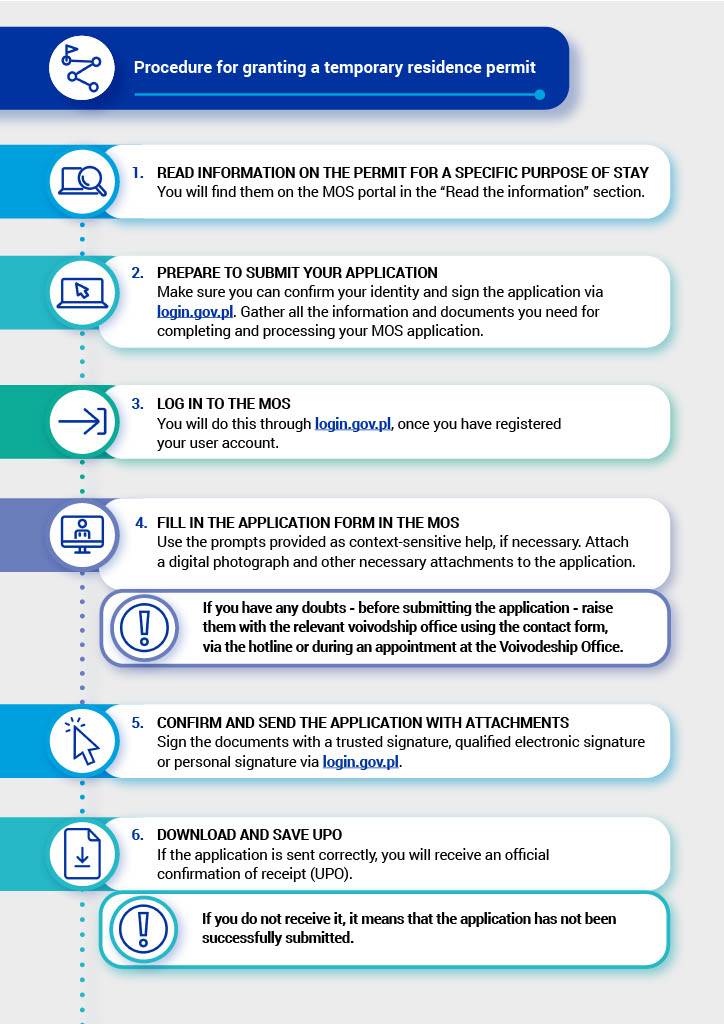
1. The method of submitting an application: The entire process of submitting an application to legalize your stay is done electronically. You will need to create a user account in the new MOS system, log in, and complete the electronic form, adding the following attachments:
- a current digital colourful photograph with a resolution of 684x883 pixels and dimensions of 35 mm x 45 mm
- a digital image (scan or photo) of all pages of a valid travel document
- confirmation of payment (scan of the document or electronic confirmation of the transfer): 100 PLN for issuing a residence card and the stamp duty for issuing a residence permit
- an attachment signed electronically by the University
Note: Before you start filling out the application in the MOS portal, please ensure that you have prepared all the necessary attachments in electronic form.
2. University Attachment: To apply for a temporary residence permit, an attachment completed by the University is required. When completing the application in the MOS system, you will be asked to provide the email address of your academic unit.
a. Faculty of Medicine: mos.student.wl@umlub.edu.pl
b. Faculty of Medical-Dentistry: mos.student.wld@umlub.edu.pl
c. Faculty of Health Sciences: mos.student.wnoz@umlub.edu.pl
Note: Please enter the exact email address provided above. Attachments sent to an incorrect email address will not be processed by the University.
3. University verification: The University is required to complete the document in the system and sign it electronically. Due to the need for accurate verification of the course of study/academic progress by staff, this process may take some time. Once the University has signed the attachment, you will receive an email with the following message: “Your application can be submitted” (“Można złożyć wniosek”). Without the University's attachment, the system will block the application from being submitted.
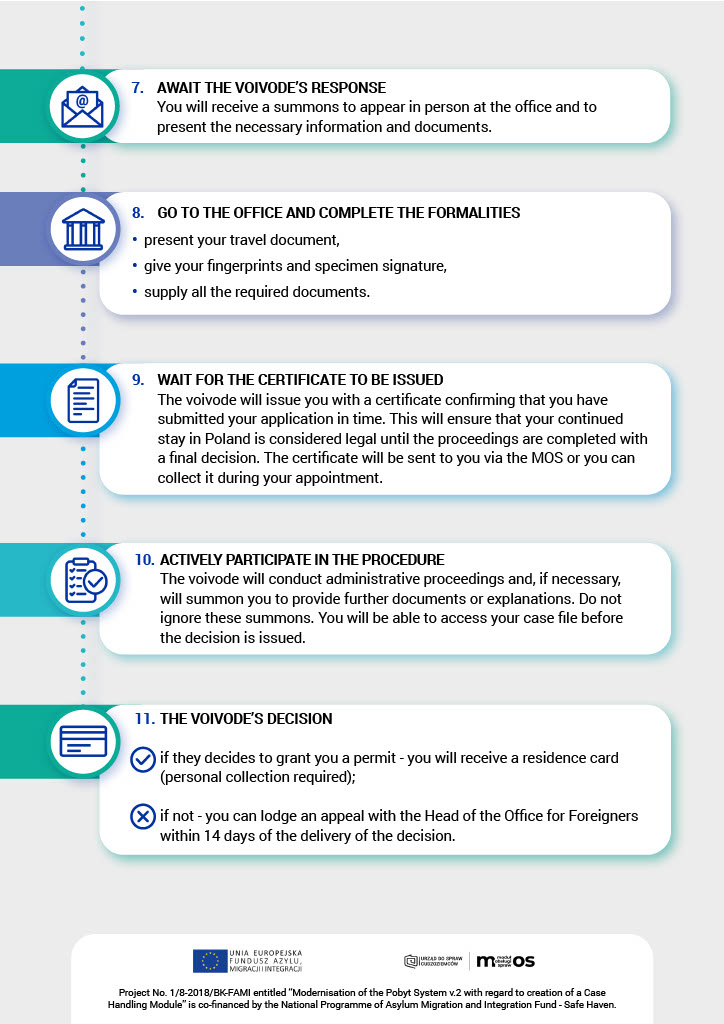
4. Signing the application electronically and legality to stay: After completion of the application, it must be signed electronically and sent, followed by downloading the Official Receipt Confirmation (Urzędowe Poświadczenie Odbioru – UPO). Your stay will be considered legal from the date you submit your application, provided it is successfully submitted (with a signed university attachment) no later than the last day of your current legal stay and is free from formal errors. Once the application is approved by the official, you will be able to download and print a certificate of submission for a residence permit in Poland, which will replace the current passport stamp (the red stamp has been abolished). The services responsible for verifying the legality of your stay will have information about your application.
You will also be required to appear in person at the Voivodeship Office on a specific date to provide fingerprints and a signature sample, present your original passport, and provide any missing documents (if needed).
Please note that to successfully submit the application in the MOS portal, you will need a PESEL number and a Trusted Profile (Profil Zaufany). Please make sure you are prepared in advance: obtain your PESEL and set up a Trusted Profile.
PESEL, TRUSTED PROFILE – WHAT IS IT?
PESEL (Powszechny Elektroniczny System Ewidencji Ludności, Universal Electronic System for Registration of the Population) is the national identification number in Poland. It consists of 11 digits that are unique for every registered person.
Where to register and obtain a PESEL?
Residents’ Service Centre, Foreigners’ Service Point (Biuro Obsługi Mieszkańców, Punkt Obsługi Cudzoziemców)
ul. Wieniawska 14 (1st floor)
20-071 Lublin
phone: +48 81 466 1009
e-mail: cudzoziemcy@lublin.eu
Office hours:
Monday: 7:45 a.m. – 3:45 p.m.
Tuesday to Friday: 7:15 a.m. – 3:15 p.m.
Documents required to obtain a PESEL:
1. Form including personal data and signature - available at the Foreigners’ Service Point or under the link below
https://www.gov.pl/attachment/2098ee8f-6401-4bf6-b046-626377a446a9
2. Passport
3. Confirmation of studies from the Dean’s Office
4. You might be asked by the office to present the rental agreement/other documentconfirming you accommodation conditions
Trusted Profile (Profil Zaufany) is a free tool that allows you to verify your identity online. With a Trusted Profile, you can carry out most administrative tasks without having to print or sign documents, and without having to visit a government office in person.
How to create a Trusted Profile?
1. Go to www.gov.pl/web/profilzaufany
2. Select the option ‘Create a Trusted Profile’ (Załóż Profil Zaufany)
3. Choose one of the options for registering:
• a bank or other identity provider (bank lub inny dostawca tożsamości) → select your provider
• video call with an official (rozmowa wideo z urzędnikiem) → apply online for a trusted profile and confirm it via video call
• e-ID (e-dowód) → set up and verify your trusted profile online using your e-ID card
• visit to a branch (wizyta w placówce) → complete the application online and confirm it at the chosen branch
More information available at the links below:
PESEL number:
https://www.gov.pl/web/gov/uzyskaj-numer-pesel--usluga-dla-cudzoziemcow-en
Trusted profile (Profil Zaufany):
https://www.gov.pl/web/profilzaufany
https://pz.gov.pl/pz/registerMainPage
MOS system:
https://www.gov.pl/web/udsc-en/basic-information-about-the-mos-system